- Empty cart.
- Continue Shopping

Bulk School Locker Locks: A Pre-Quote Compatibility Checklist
- Posted on
marketang
- Categories: Locks for School Lockers
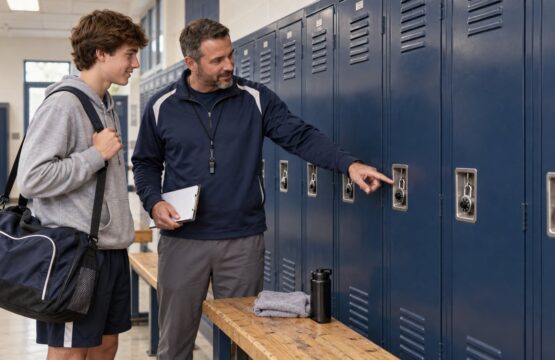
Short answer: before requesting a quote for bulk school locker locks, document the actual locker hardware, exact current lock models, hinge and latch configurations, staff-access needs, accessibility requirements, quantities by configuration, and project purpose. A structured inventory helps the supplier identify compatible options without treating unlike lockers as one order.
Key Takeaways
- Separate a new installation, a replacement project, and an annual reorder; each requires different supporting information.
- Count locks by exact model and configuration, not only by building or total locker count.
- For built-in locks, record the locker’s hinge side, handle or latch type, mounting details, and door thickness where relevant.
- For portable padlocks, measure the padlock eye and required shackle clearance and identify any supervisory key-control requirement.
- Include clear photos and non-sensitive system references, but never send visible combinations or unrestricted control charts.
Start by Defining the Project
“We need 500 locks” is a useful quantity, but it is not yet a compatibility specification. Begin by stating what the school is trying to accomplish.
New locker installation
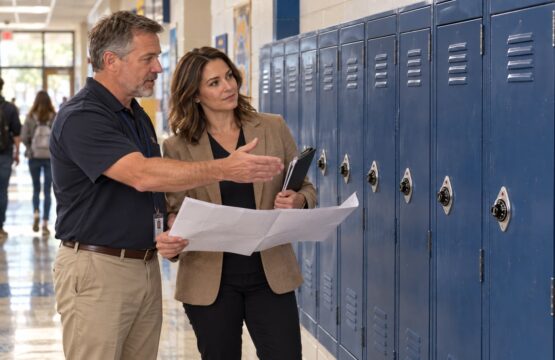
A new installation should identify the locker manufacturer or approved hardware schedule, door and latch design, hinge orientation, planned user group, and administrative access needs. If more than one locker type is included, divide the request into separate groups.
Replacement of an existing lock system
A replacement project should capture the model and configuration already installed, whether the goal is a direct replacement or a reviewed change, and whether current control-key or registered-system relationships must be preserved. Photographs of the exterior and safe-to-view interior mounting area can help distinguish similar-looking locks.
Annual reorder or spare inventory
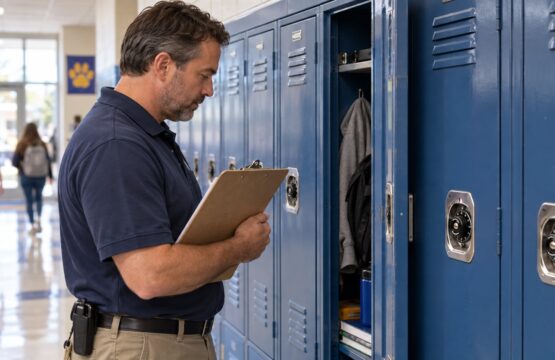
Reconcile an annual reorder against current inventory. Record the models, serviceable spares, retired locks, and changed building configurations. Do not copy a prior order without checking the physical locker bank.
Bulk School Locker Lock Inventory Worksheet
| Information to collect | Why it matters | Useful evidence |
|---|---|---|
| School, building, and locker-bank location | Separates configurations across a campus or district | Floor plan reference or locker-bank label |
| Project type | Distinguishes new work, direct replacements, and reorders | Short scope statement |
| Exact existing lock model and suffix | Prevents two related variants from being treated as identical | Readable model marking and prior records |
| Built-in or portable format | Defines the basic product family and fit questions | Wide photo of the locker door and lock |
| Hinge side, handle, and latch type | Determines built-in lock compatibility | Exterior and interior hardware photos |
| Padlock-eye and shackle clearance | Helps select a portable lock and shackle length | Measurements with the hasp closed |
| Administrative access requirement | Identifies whether supervisory key control or another process is required | Approved facilities requirement |
| Accessibility requirement | Keeps manufacturer-designated accessible models distinct from standard locks | Project accessibility schedule or coordinator input |
| Quantity by exact configuration | Produces an auditable quote request | Count sheet with a separate line for each variant |
| Requested project timing | Lets the supplier understand the planning context | Requested need-by date, clearly identified as a request |
Compatibility Checks for Built-In Locker Locks
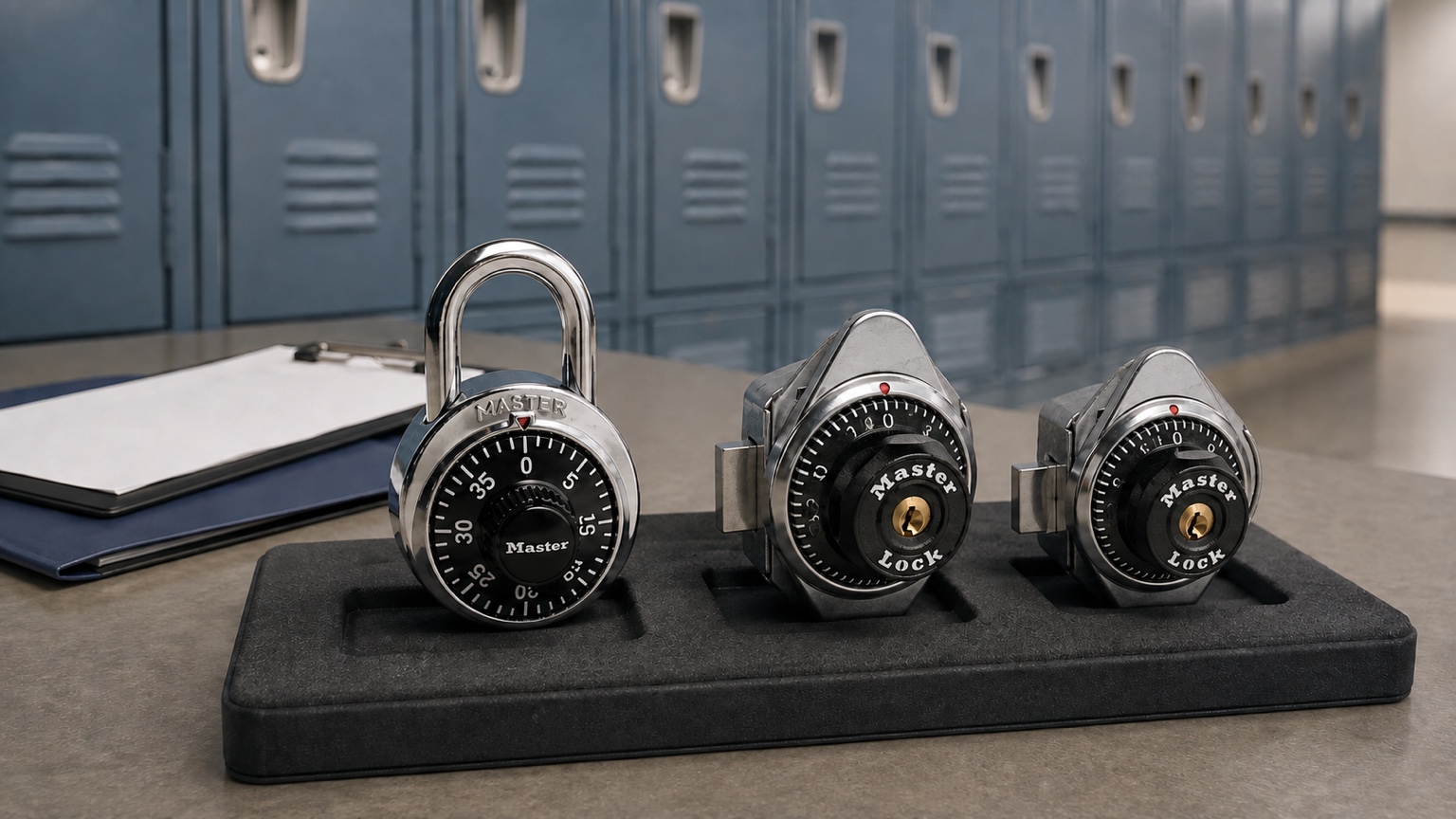
Built-in locks are selected for a specific locker mechanism. The same combination dial on the front does not mean the hardware behind the door is interchangeable. At minimum, identify whether the door is hinged on the right or left and whether it uses a lift handle, a single-point latch, a deadbolt arrangement, or a wrap-around-latch mechanism.
The built-in combination lock category includes models for different locker designs. For example, the Master Lock 1630, Master Lock 1670, and Master Lock 1690 should not be chosen solely because they are built-in combination locks. Their intended locker mechanisms differ.
Record door thickness and relevant extension hardware. When a bank has mixed repair parts, sample several doors instead of assuming one represents the row.
Compatibility Checks for Portable Combination Padlocks
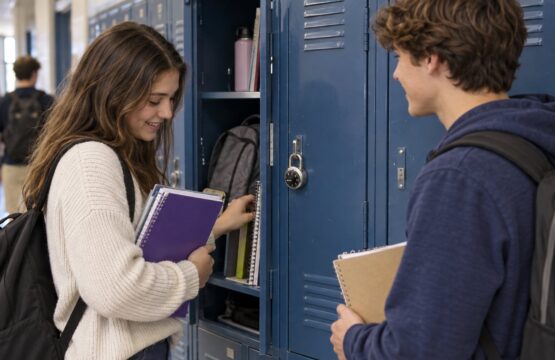
For a portable padlock, inspect the closed padlock eye or hasp, not just the open door. Measure the diameter the shackle must pass through and the clearance required for the lock to close without binding. Select extra shackle length only for a measured need.
Also decide whether staff require supervisory key access. The Master Lock 1502 is a charted institutional combination padlock without the 1525 key-control feature. The Master Lock 1525 adds supervisory key control. A control key is system-specific, and the school should not assume that any key or chart is included unless it is identified in the quote.
Schools can review the broader Master portable combination lock category after documenting the fit and administration requirements.
Handle Registered Systems and Sensitive Records Carefully
If the school needs new locks to relate to an existing registered combination or key-control system, identify the system through an authorized facilities contact. Do not paste full combination charts into an ordinary web form, attach them to a broadly distributed email, or include visible combinations in photographs.
Start with a non-sensitive reference and explain that the request concerns an existing system. The supplier can then indicate what verification or additional information is needed through an appropriate channel. Name the staff member authorized to answer those questions so the quote does not depend on an informal handoff.
Separate Accessibility Requirements from General Ease of Use
“Easy to use” and “ADA compliant” are not interchangeable descriptions. Record whether the project has a formal accessibility requirement and identify the manufacturer-designated model being considered. Do not relabel an “ADA Inspired” or easier-dial product as ADA compliant without the manufacturer’s designation and the project team’s installation review.
Mixed locker banks may require separate quantities for standard and accessible configurations. Keep those lines distinct in the quote request so the model, operation, and intended location can be reviewed clearly.
Assemble a Clean Pre-Quote Package
- Scope summary: identify the school or district, buildings, project type, and the person responsible for technical questions.
- Count sheet: list quantity by exact model, suffix, hinge, latch, shackle, and accessibility configuration.
- Photo set: provide representative full-door, exterior-lock, interior-latch, and mounting images without combinations or student information.
- Measurements: include the dimensions relevant to the selected product family and label the units.
- Administrative requirements: state whether the school needs charted combinations, registered-system continuity, supervisory access, or help identifying the current system.
- Requested timing: share the planning date as a request, not as an assumed commitment.
- Open questions: flag uncertain rows instead of guessing. A short list of unknowns makes follow-up more efficient.
What the Quote Workflow Should Accomplish
The first submission gives School Lock Supply a structured starting point. The supplier can review the requested models and supporting details, identify information that is missing or inconsistent, and prepare a quote around the configurations it can verify. Questions may be necessary when photos, counts, registered-system references, or locker hardware do not align.
The school should review the resulting quote line by line. Confirm model numbers and suffixes, quantities, listed accessories, system references, and the requested project context. Treat only the written quote as the description of what is proposed; do not infer policies, included items, timing, or services from a similar past order.
Common Bulk-Order Mistakes to Avoid
- Ordering one built-in model for a district that has several hinge or latch configurations.
- Using a nickname such as “standard school lock” instead of the exact model and suffix.
- Counting locker doors but not separating damaged hardware from lock-only replacements.
- Assuming a control key, change key, chart, extension, or other accessory is included.
- Calling a product ADA compliant based only on dial shape or apparent ease of use.
- Sending combination data or student information in photos and attachments.
- Copying quantities from a prior order without reconciling current spare inventory.
Frequently Asked Questions
What is the first step in requesting bulk school locker locks?
Define whether the project is a new installation, replacement, or reorder, then inventory the exact locker and lock configurations involved.
Can one combination-lock model fit every locker in a school?
No. Built-in compatibility depends on the locker mechanism, hinge, latch, mounting, and other dimensions. Portable locks also require appropriate padlock-eye and shackle clearance.
Should the school send its full combination chart with the first inquiry?
No. Start with non-sensitive system information and an authorized contact. Share restricted records only when required and through an approved channel.
Does a bulk quote automatically include control or change keys?
Do not assume so. Ask that each lock, key, chart, accessory, and configuration be identified separately in the written quote.
How should mixed locker banks be counted?
Use a separate line for every meaningful configuration, including model, suffix, hinge, latch or handle, shackle length, and accessibility designation.
Can School Lock Supply help when the current model is unknown?
Begin with clear, non-sensitive photos, measurements, locker hardware details, and any readable model markings. The inquiry can identify which additional information is needed before a model is selected.
Continue the Planning Process
If a model is unknown, begin with the replacement locker-lock identification guide. Then use the focused guides for portable-padlock shackle length, accessibility designations, and combination-record management to complete each configuration row.
Official Locker Planning Reference
- Master Lock Architect and Designer Resource Center
- Master Lock locker installation and maintenance resources
Request a School Locker Lock Quote
After completing the inventory, send School Lock Supply a product-selection or quote inquiry. Include the count sheet, exact known models, locker mechanism details, non-sensitive photos, administrative requirements, and requested project timing. If you are still identifying the right product family, review the school locker lock catalog and mark uncertain items for follow-up rather than guessing.